In detail
In your DAW
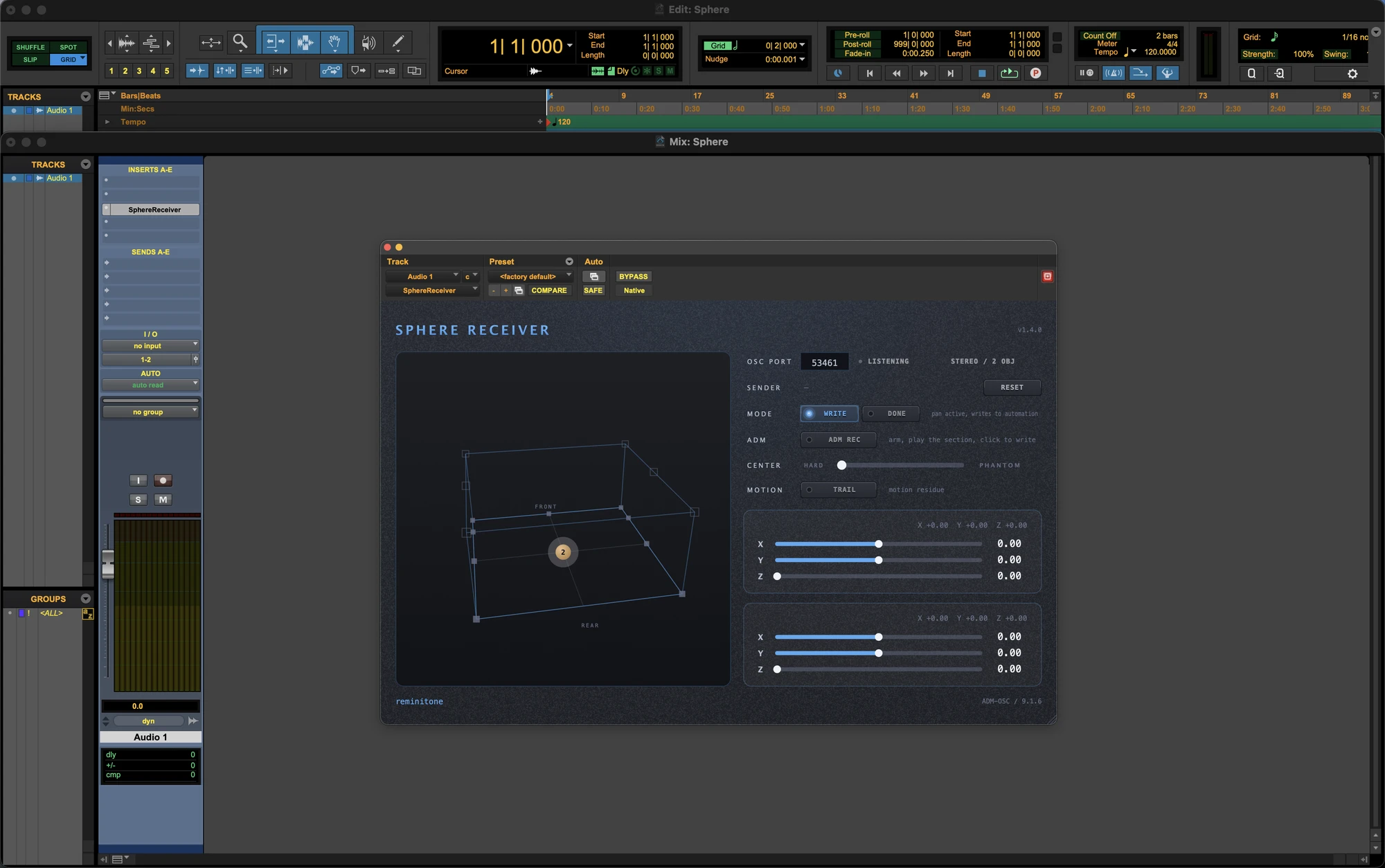
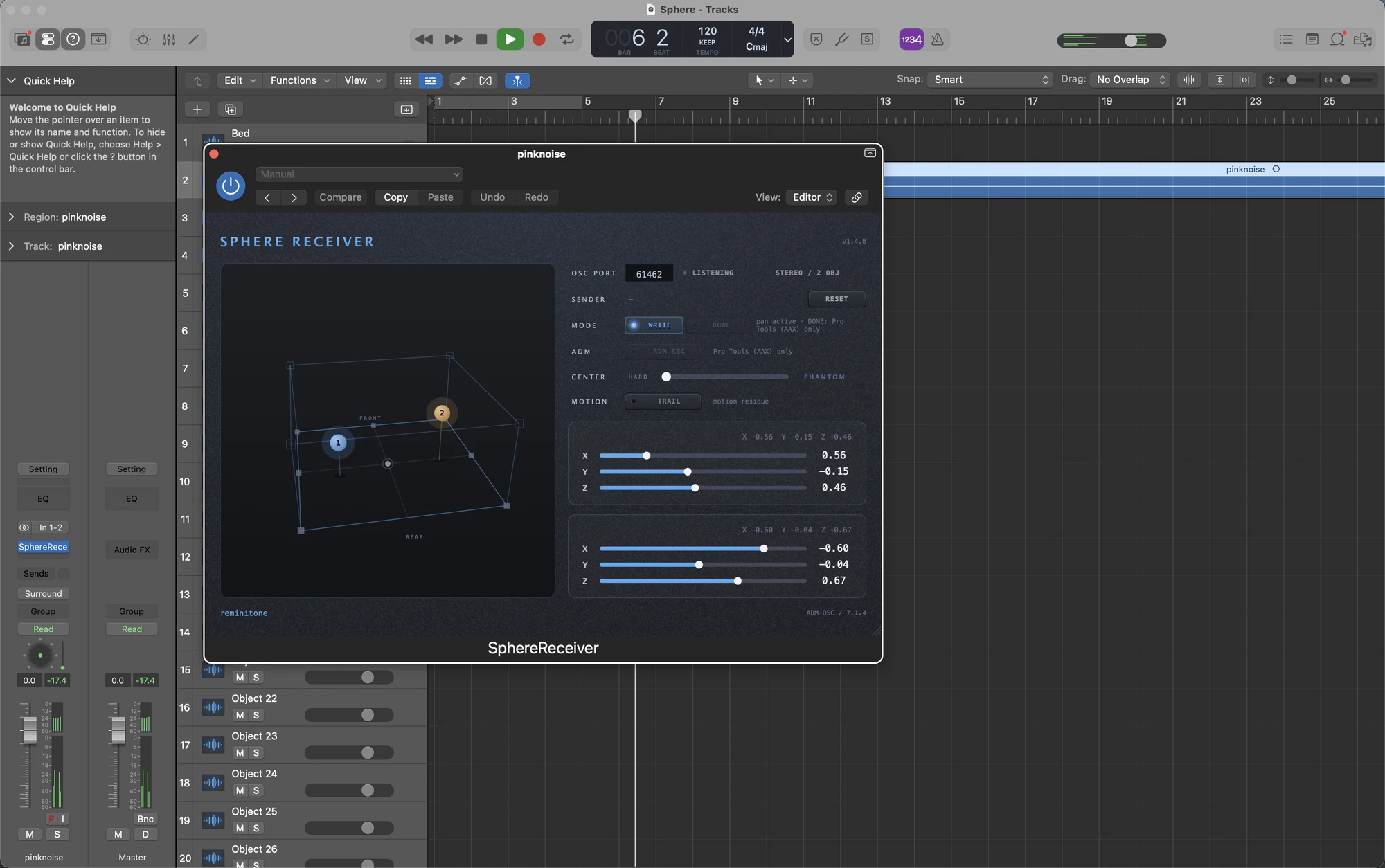
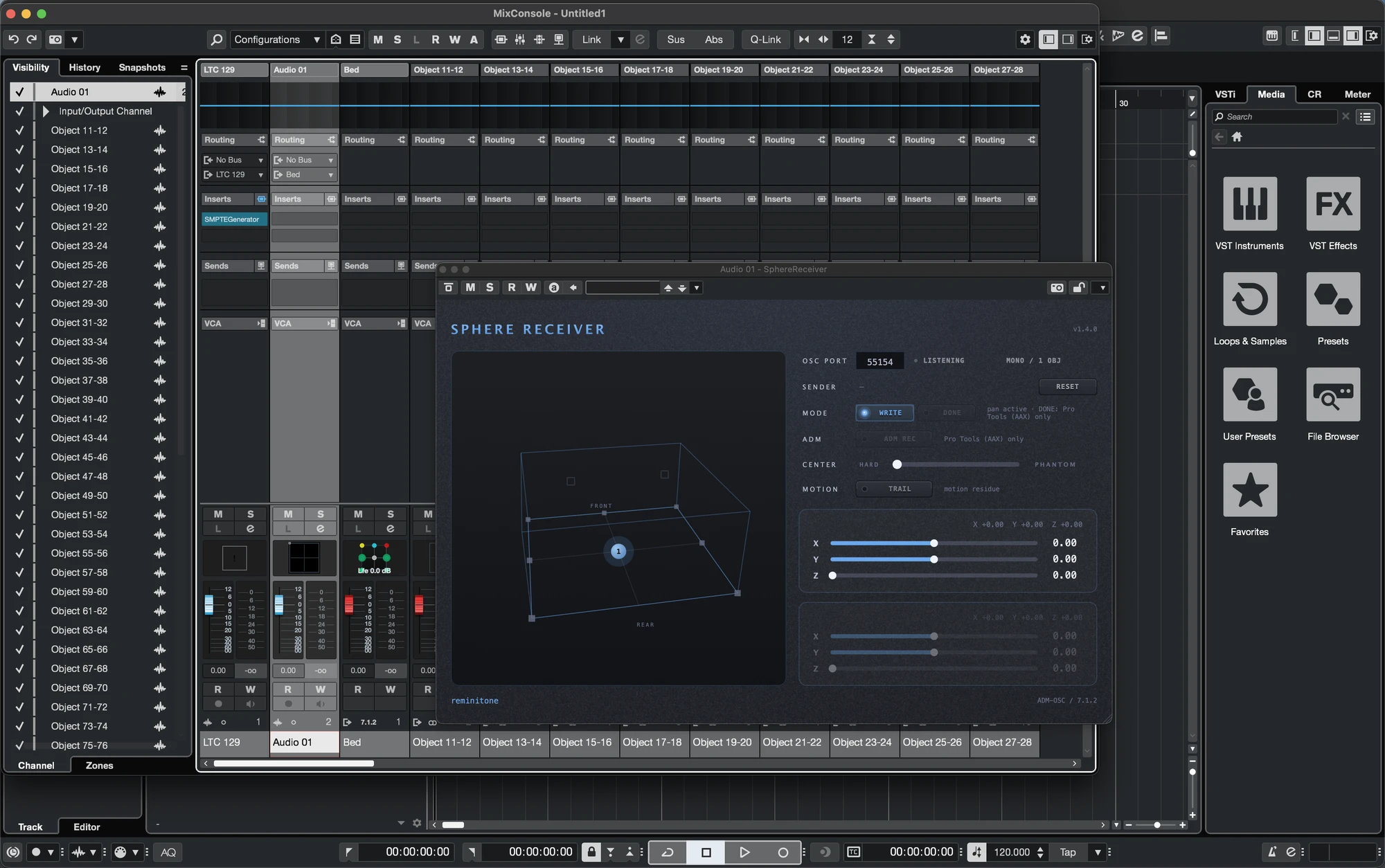
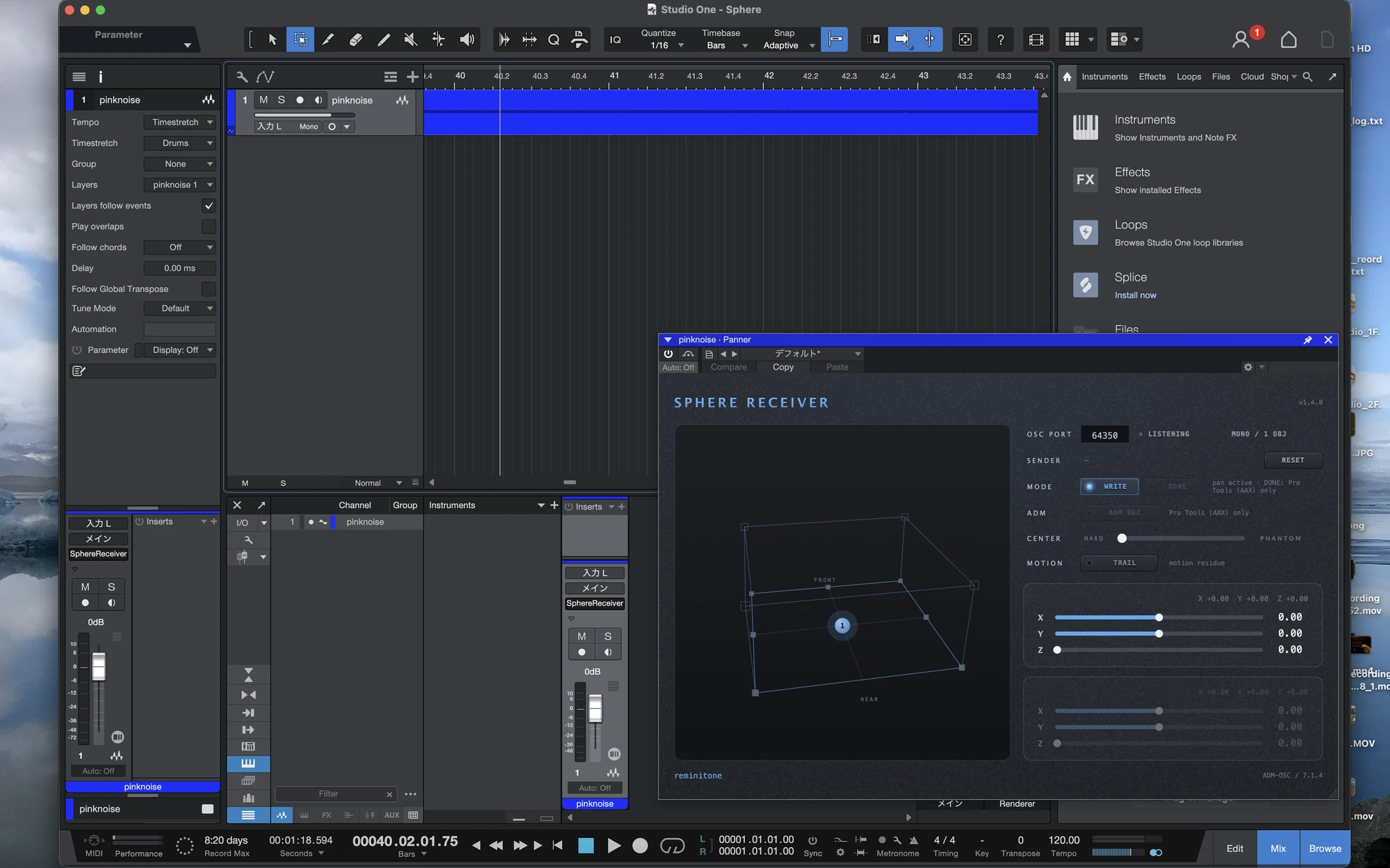
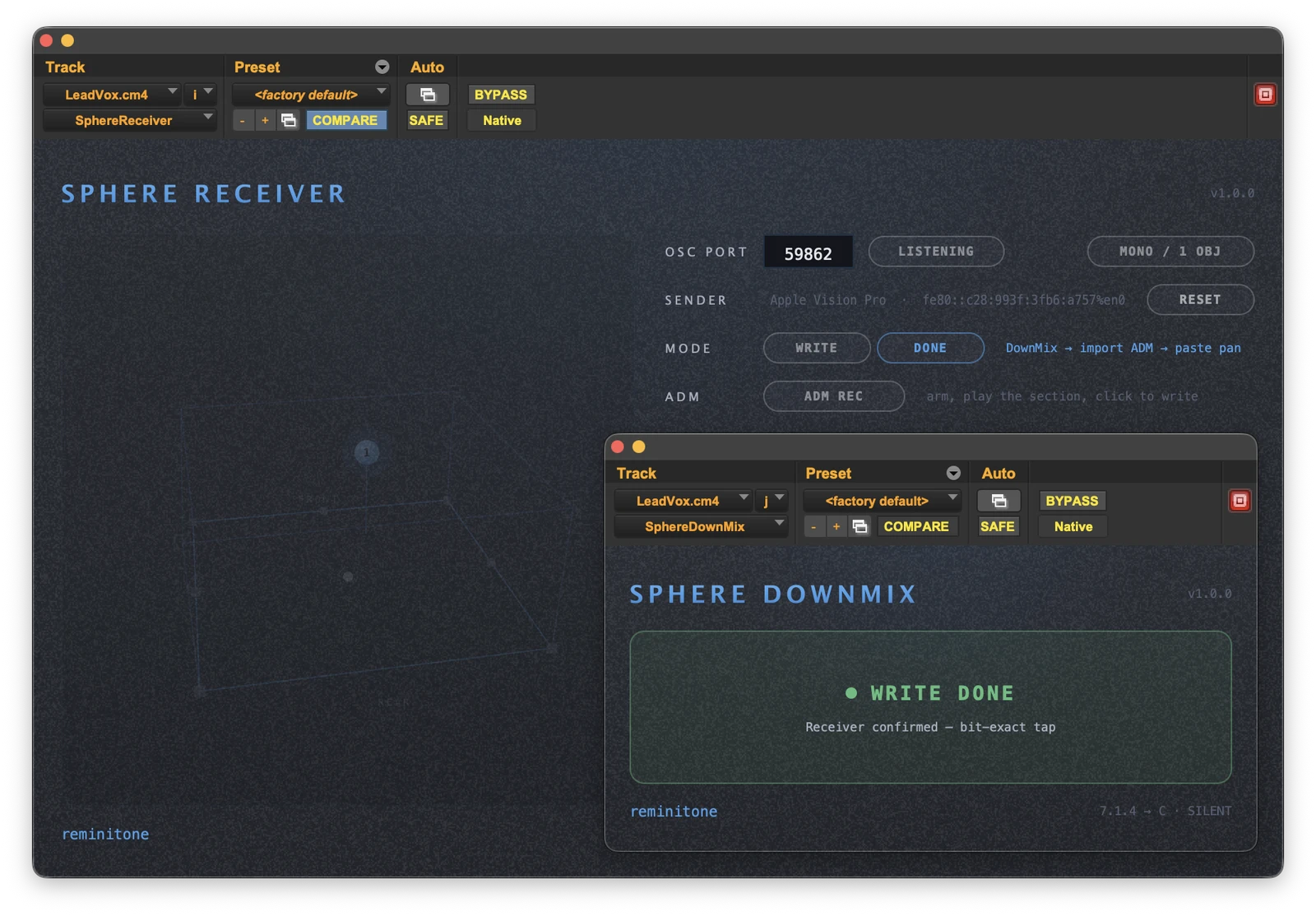
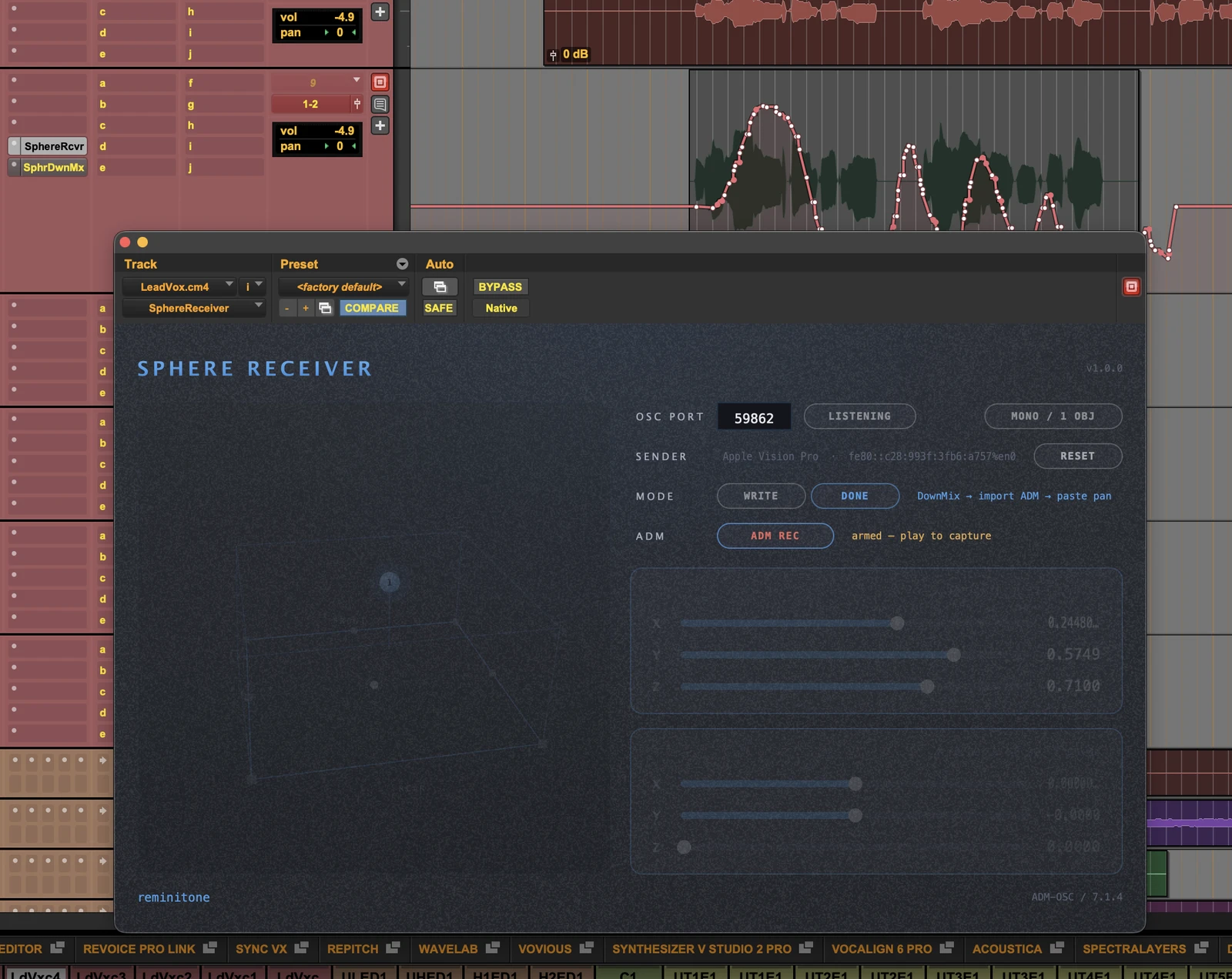
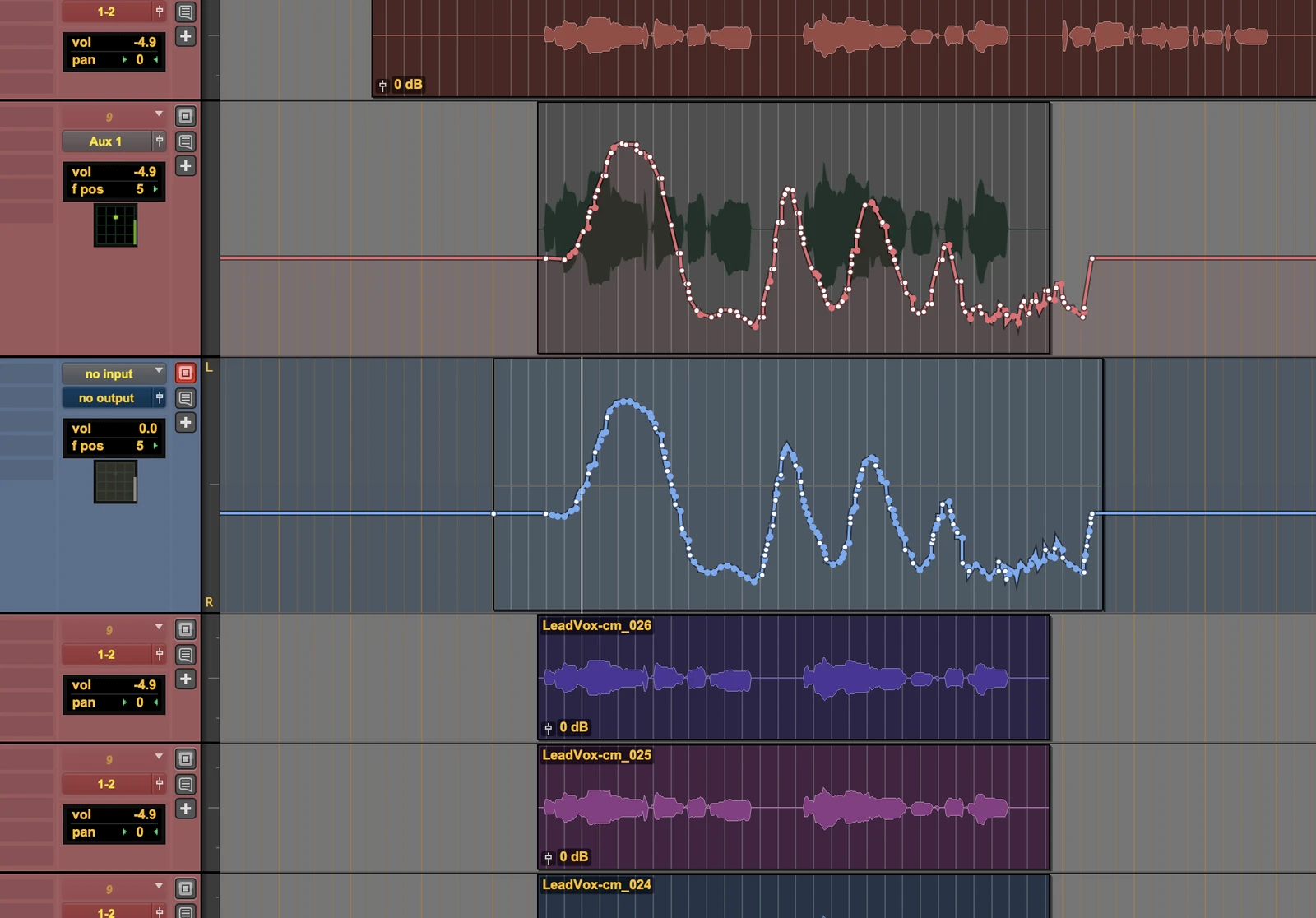
Step by step — converting to the Pro Tools native panner
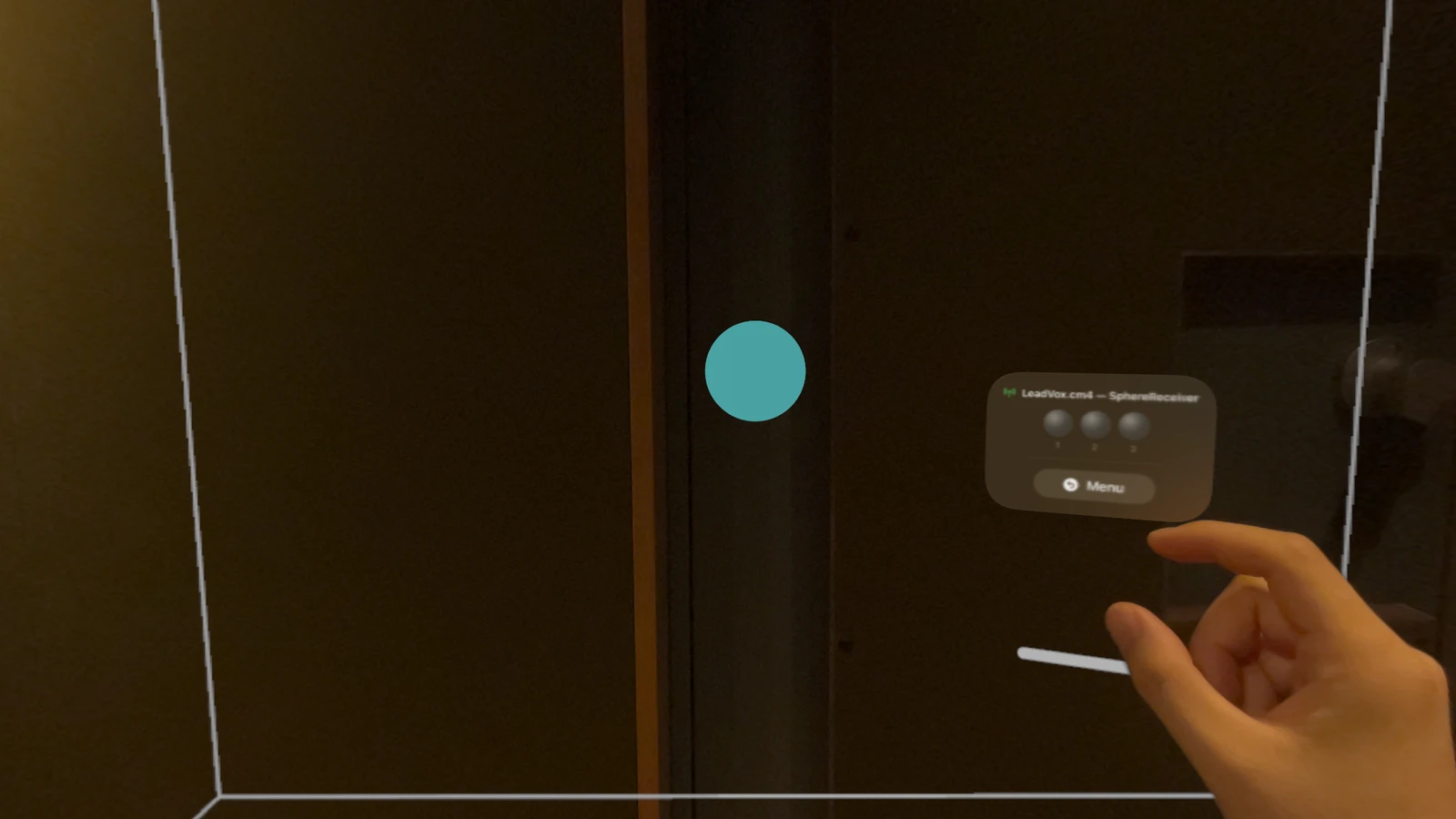
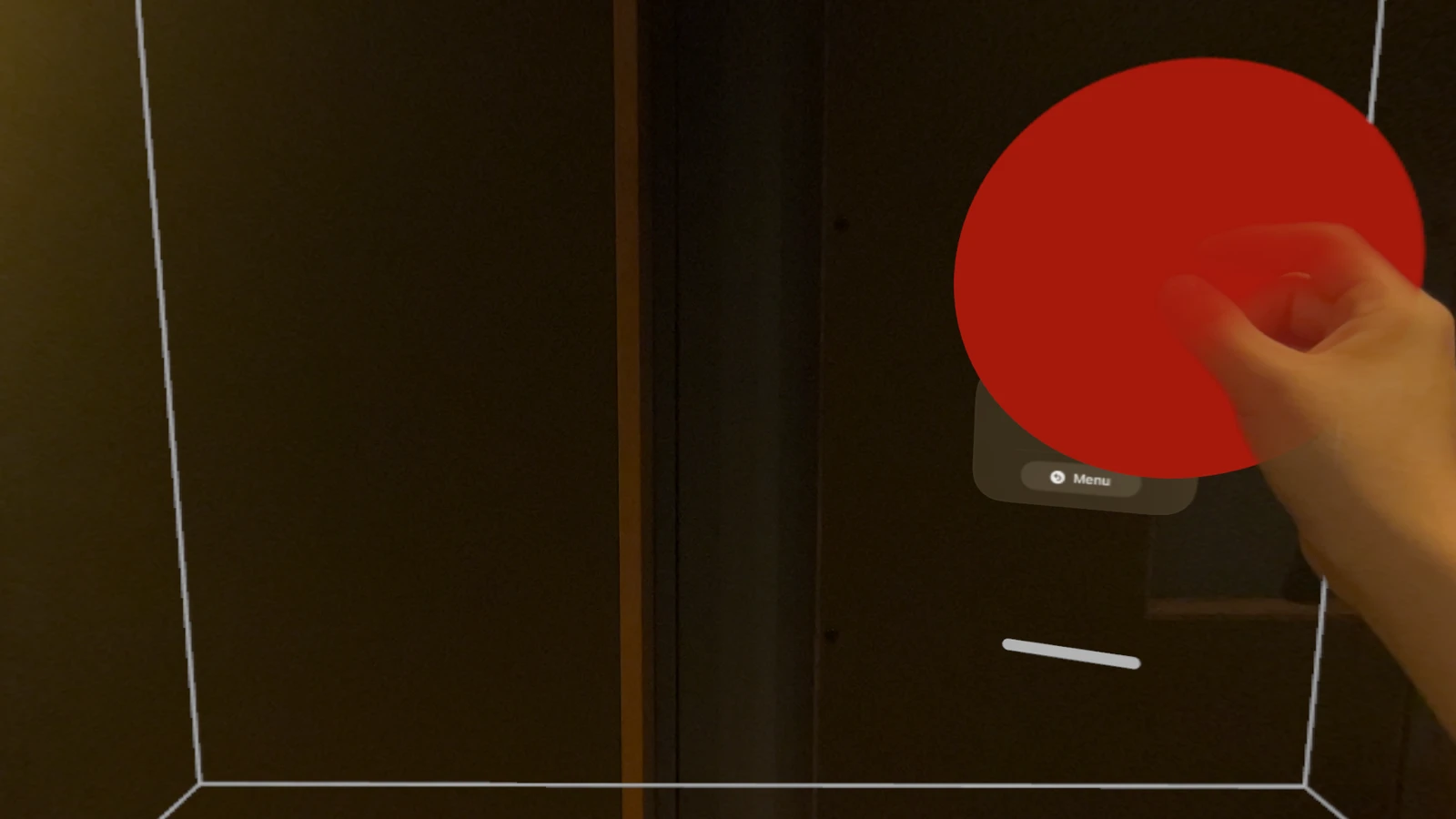
Move the sphere. The sound dances.
visionOS
Free on the App Store. The Creative Pack — a one-time $149 purchase — adds the Diorama and Theater Stages and the full Dynamics set.
REQUIRED COMPANION
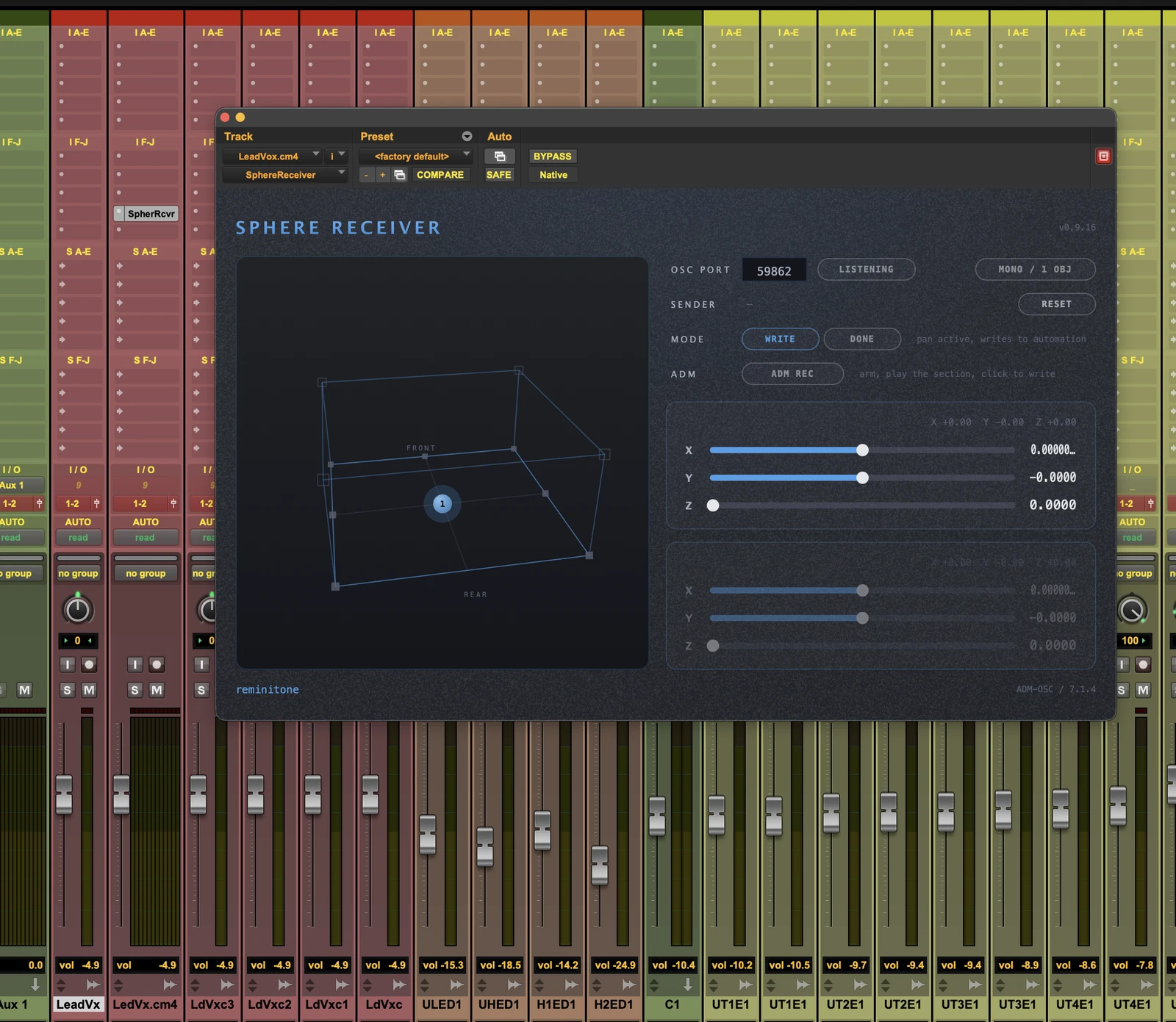
The free plug-ins — AAX, AU and VST3 for macOS, in one installer: SphereReceiver, SphereDownMix and SphereConstellation. Sphere Flow controls their parameters, letting you draw your panning freely.
Sphere Flow
VISION PRO · HANDS
Sphere Flow Pocket
IPHONE · MOTION
SphereConstellation
PLUG-IN ONLY · BEDS
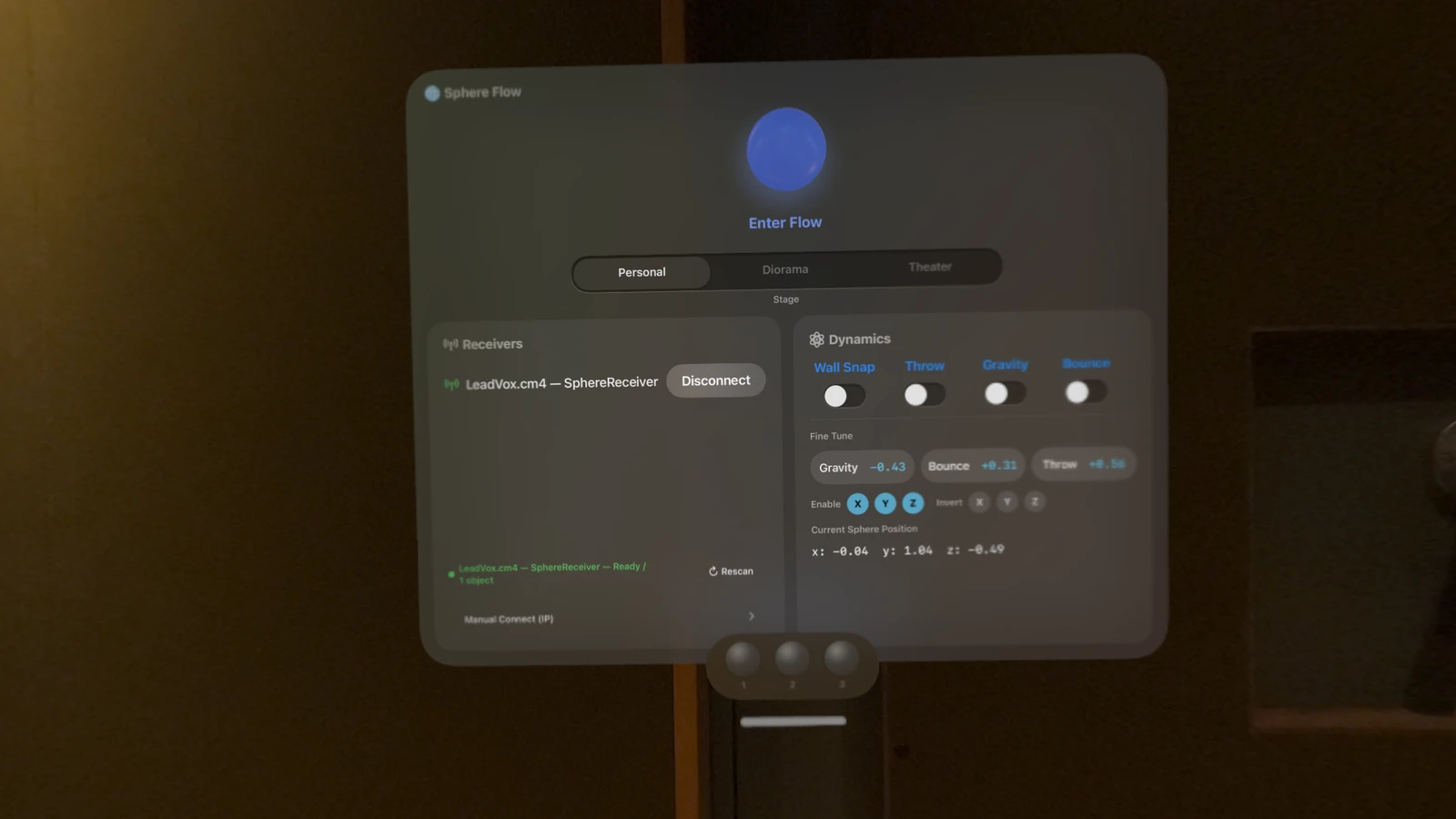
A controller application for Apple Vision Pro — it pairs with the dedicated plug-ins and moves sound at will.
Sphere Flow pairs visionOS with your DAW to do what every immersive mixer has always wanted. It was designed by Yujiro Yonetsu — a working Dolby Atmos mixer — around the way real sessions actually run.
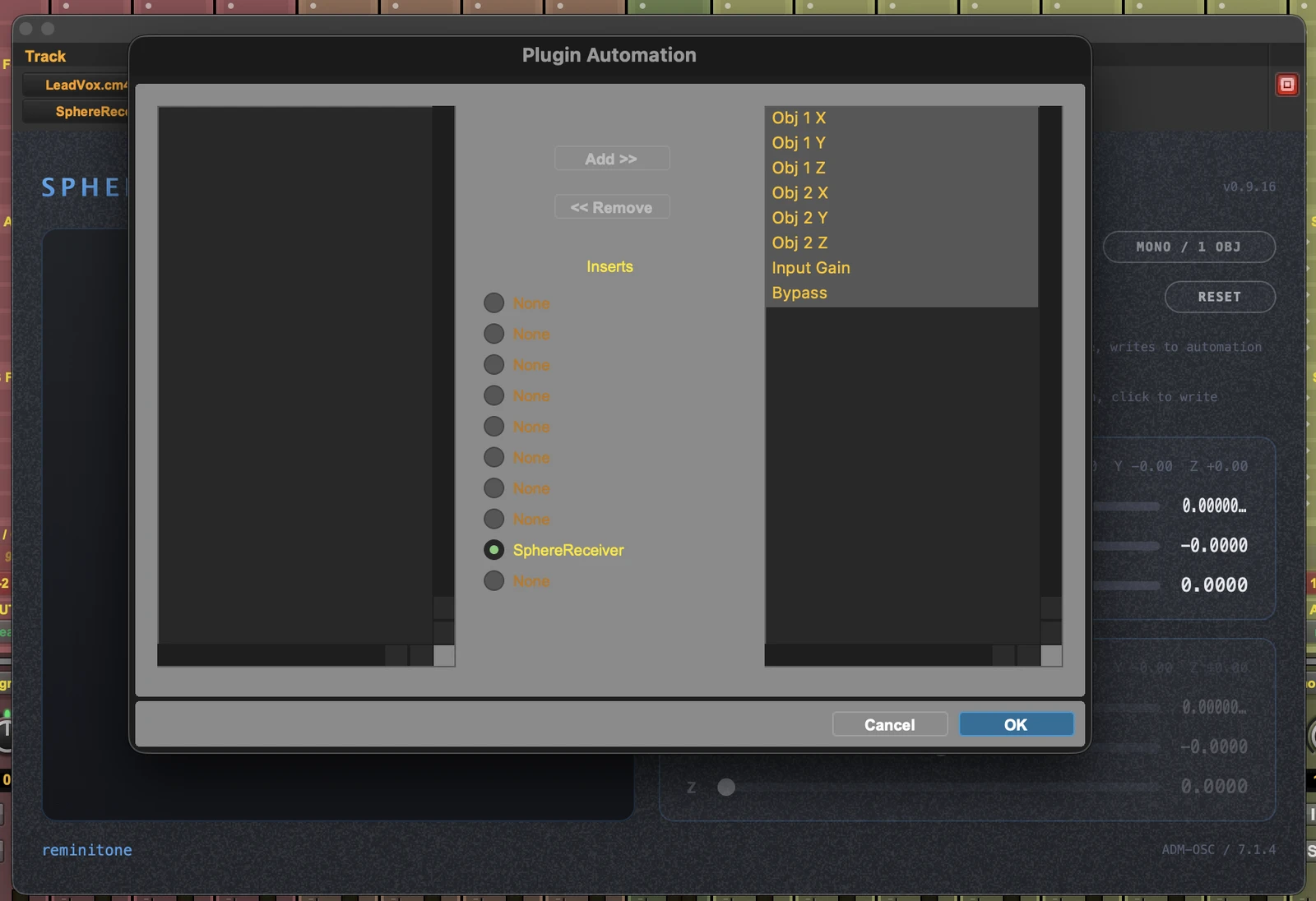
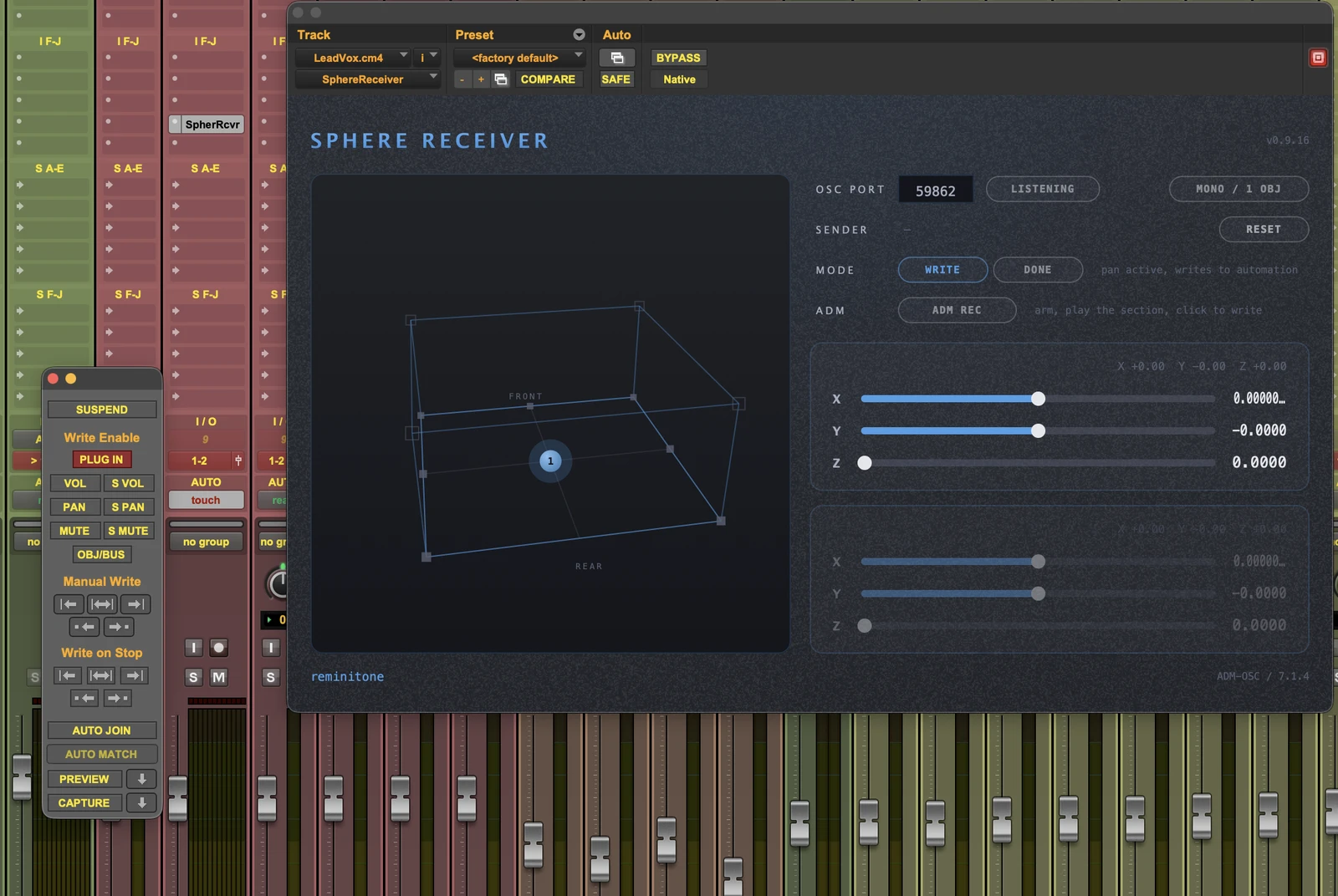
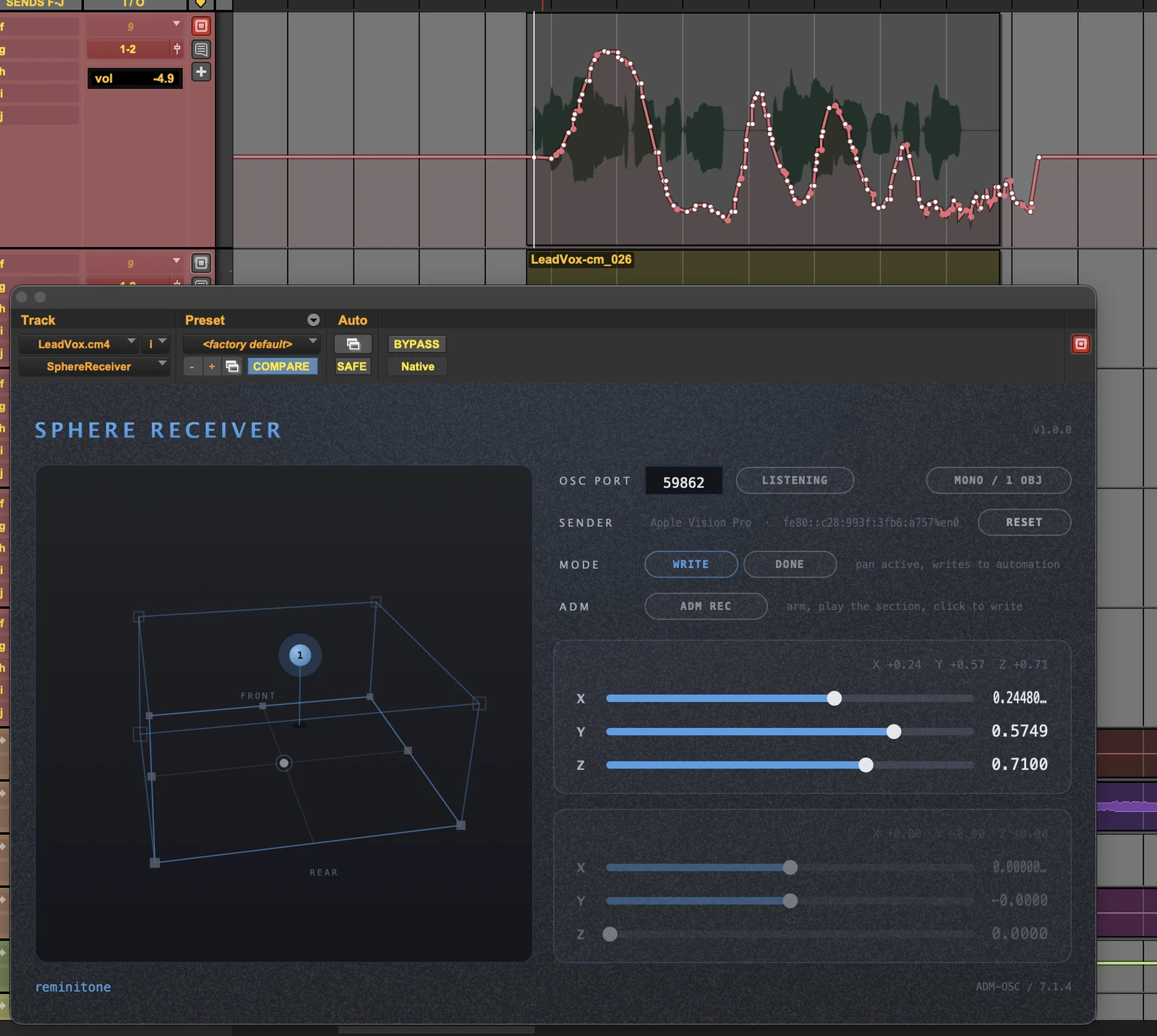
Draw your pans as freely, and as wildly, as you like. Connected to the SphereReceiver plug-ins, everything you perform is written as automation — and whenever you want, it can be converted into the Pro Tools native panner.
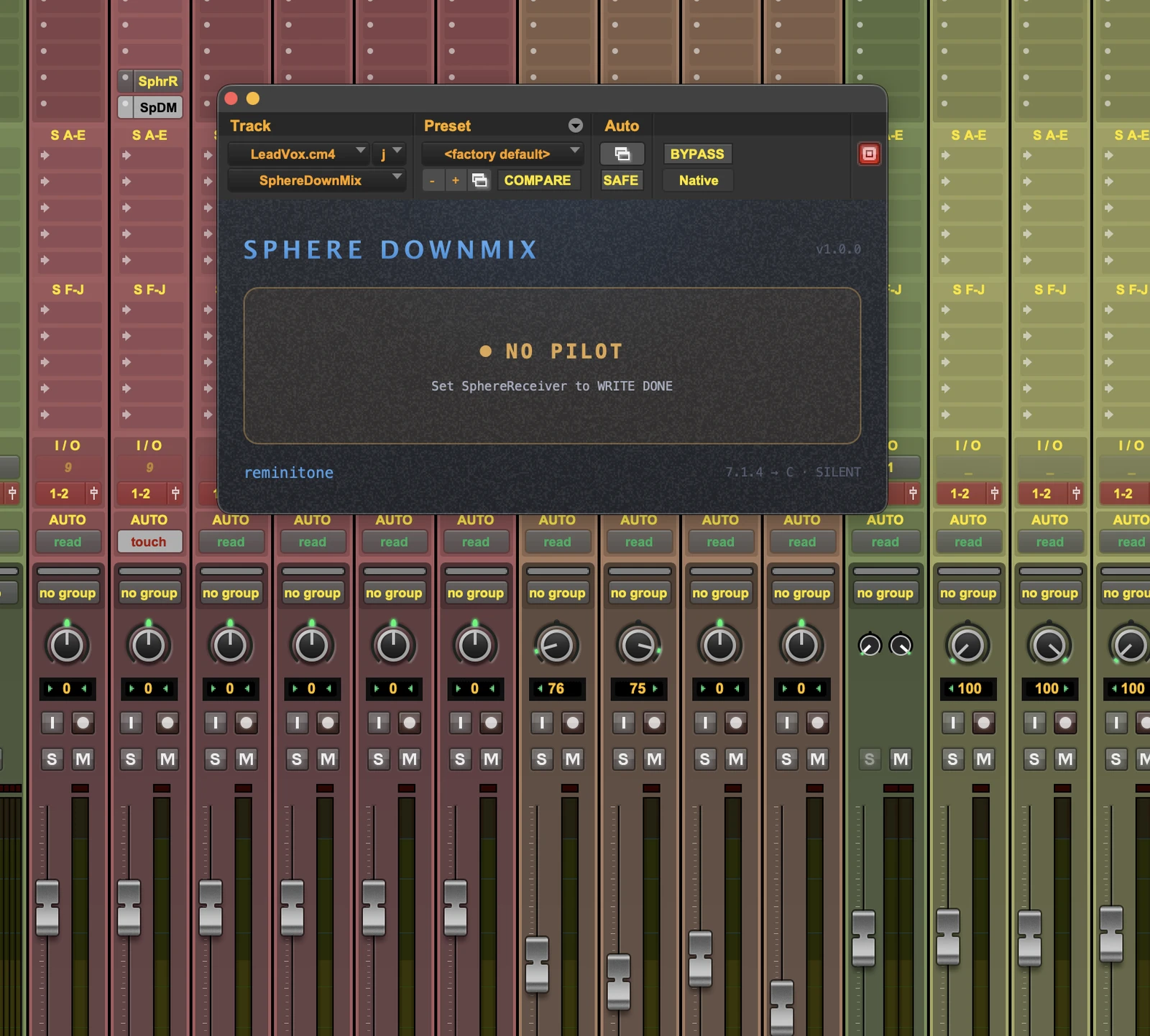
WRITE DONE, SphereDownMix and the ADM conversion to the native panner remain Pro Tools territory — in the other hosts, your performance lives on as plug-in automation.
Free on the App Store. The Creative Pack — a one-time $149 purchase — adds the Diorama and Theater Stages and the full Dynamics set.
REQUIRED COMPANION
The free plug-ins — AAX, AU and VST3 for macOS, in one installer: SphereReceiver, SphereDownMix and SphereConstellation. Sphere Flow controls their parameters, letting you draw your panning freely.
Dolby and Dolby Atmos are trademarks of Dolby Laboratories. Pro Tools is a trademark of Avid Technology, Inc. Apple Vision Pro and visionOS are trademarks of Apple Inc. Sphere Flow is an independent product and is not affiliated with, authorised or endorsed by these companies.