SPATIAL

Sphere Flow Pocket

From your pocket, into the sound field.

iOS

Everything free for 7 days. $39.99 once to keep it.

REQUIRED COMPANION

The same free plug-ins Sphere Flow uses — AAX, AU and VST3 for macOS, in one installer: SphereReceiver, SphereDownMix and SphereConstellation. Pocket controls their parameters over Wi-Fi. Plug-in setup and the full workflow are on the Sphere Flow page.

Download v1.4.0
Sphere Flow Pocket plugin interface

A magic item closer to hand — an iPhone app that drives the Sphere system.

Sphere Flow Pocket is an iPhone app that pans sound in your DAW. It talks over Wi-Fi to SphereReceiver — the free plug-in that sits on your track — the same system behind Sphere Flow, our Vision Pro panner. Move the phone, and the plug-in writes the motion as automation.

Story

When Sphere Flow came out, the reaction was the same everywhere: this is it — if only I had a Vision Pro. The flow it builds with SphereReceiver and SphereConstellation works at a very high level; the headset was the one thing standing between it and most of the people who wanted it.

Leaving something that good to wait on one very large company's roadmap felt like a loss. So: the version anyone can use. It doesn't reach the full magic of playing inside a real sound space with your hands — but a simpler, genuinely useful instrument was clearly possible. That's why Pocket exists.

What it is

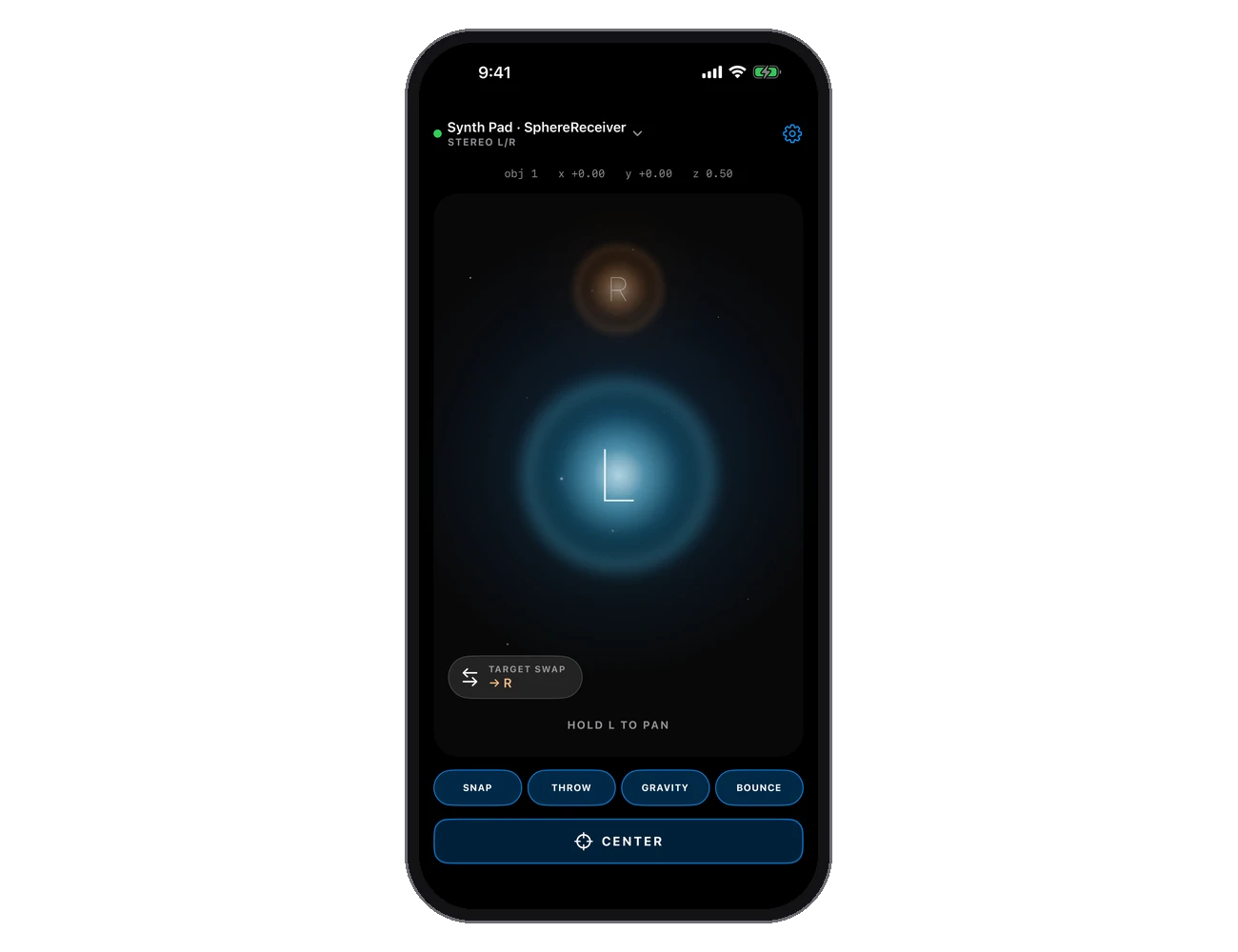
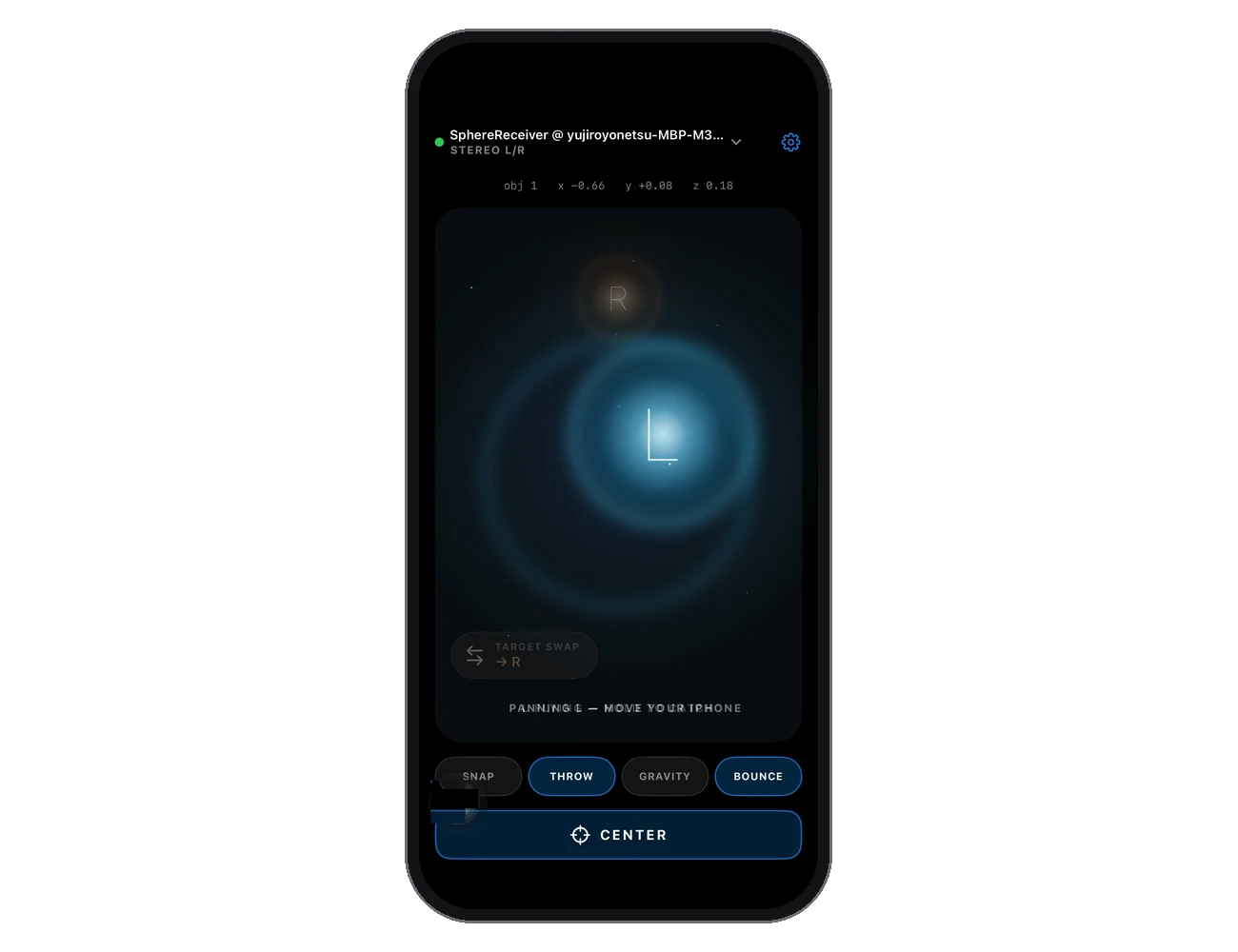
Hold the glowing sphere on screen and move your iPhone. The object in your DAW follows. Let go and it stays. Reach a wall and you feel it in your hand.

That is, honestly, the whole manual. Pocket is made to be used without looking — your eyes stay on the DAW, and haptics tell you the rest. You'll understand it the moment you pick it up.
Use it for

  • Panning in your DAW — no headset required
  • Mono and stereo objects, or a whole bed as one
  • Post, music, immersive mixing

Features

  • 6DoF motion tracking — real position in the room, not just tilt
  • Haptic walls, floor and ceiling; Wall Snap; CENTER in one tap

In detail

Step by step

Insert SphereReceiver on any track — [how the plug-in instances work is on the Sphere Flow page](/products/sphere-flow). Then, from the top-left of Pocket, pick the instance you want to connect to. The rest — honestly — you'll work out by touching it.
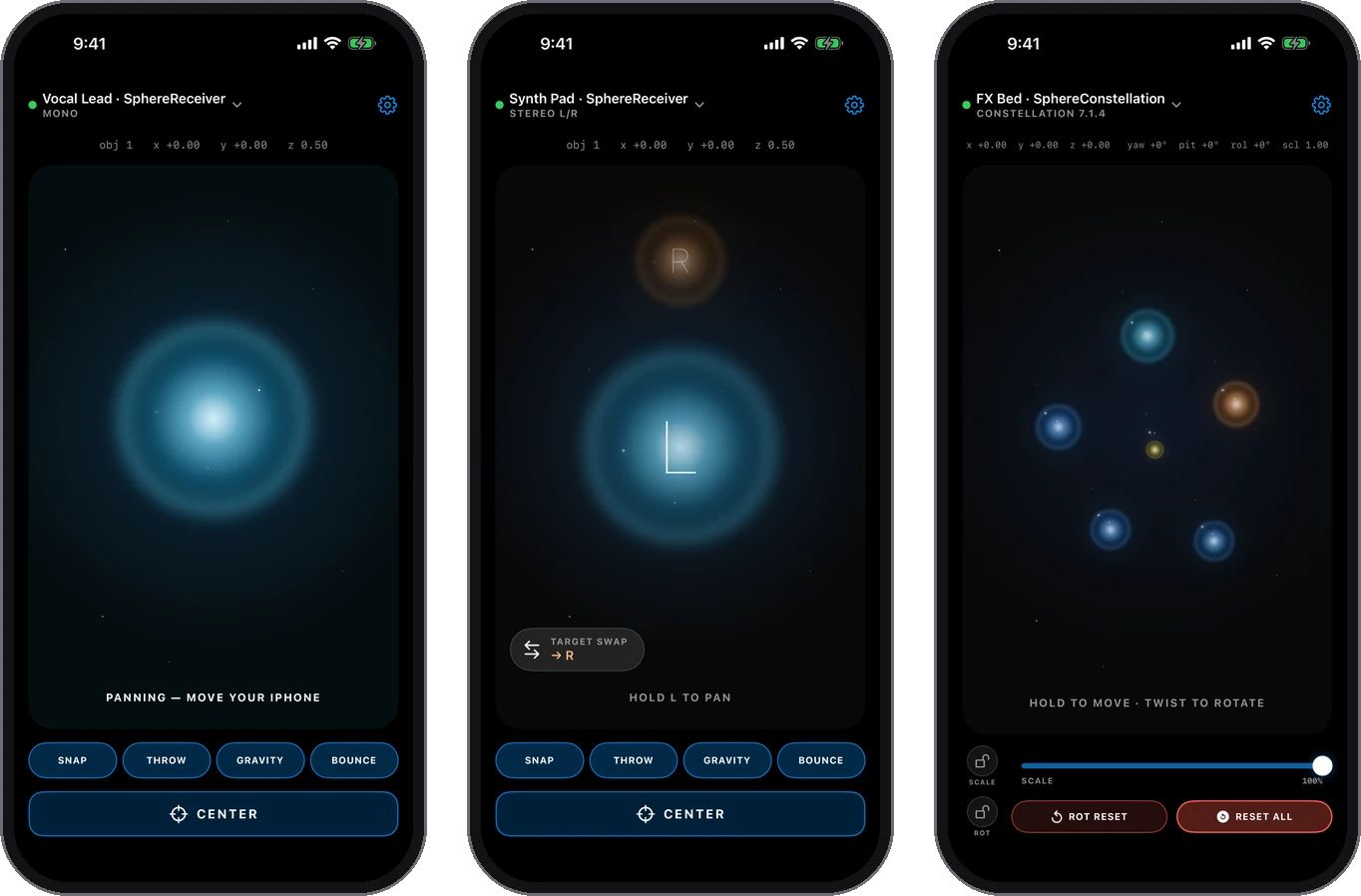
Depending on what it connects to, Sphere Flow Pocket changes its face. What you do stays the same.
Swipe while you hold the sphere, and it throws. We built it this way to protect your display — there is no need to swing your iPhone around.
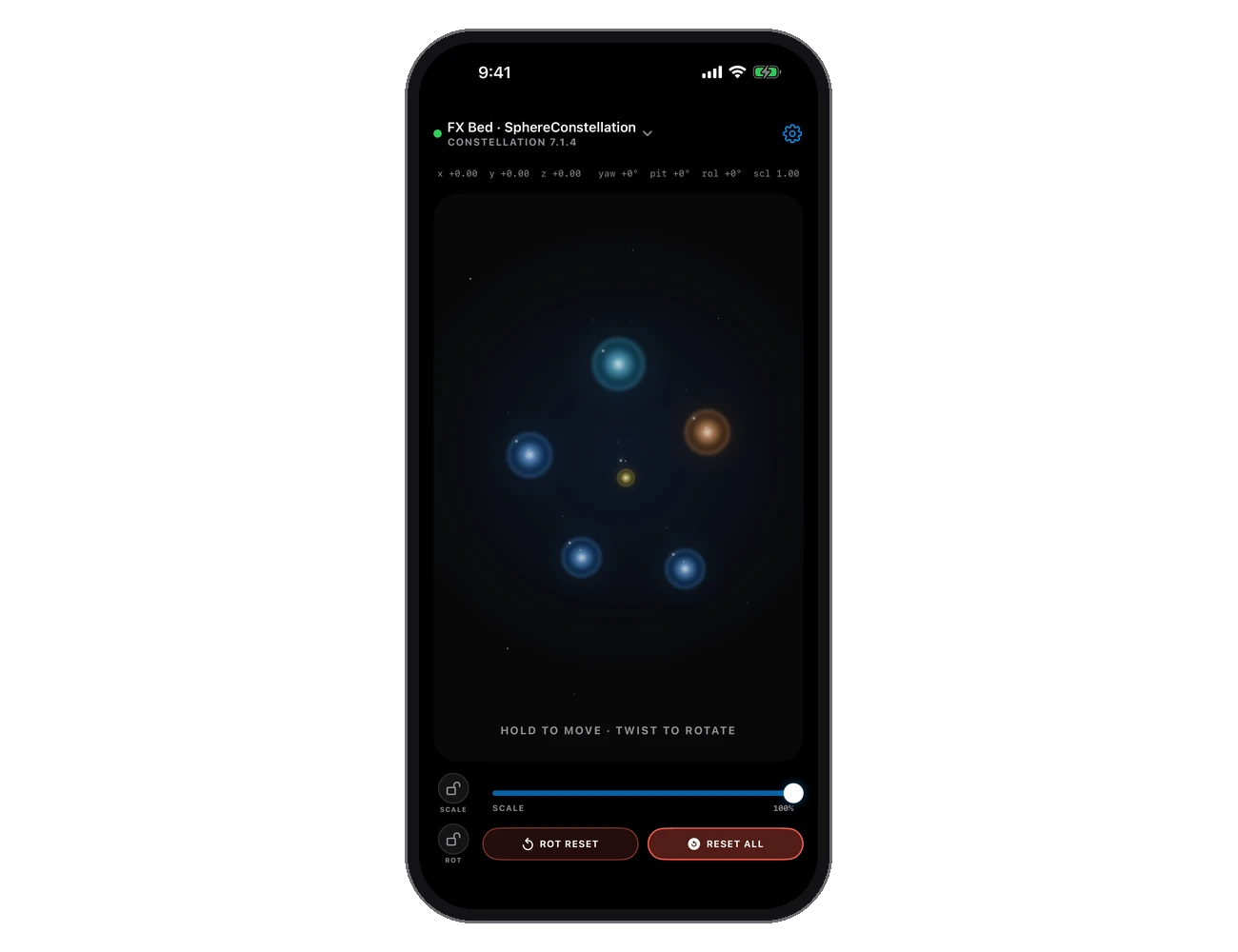
Constellation: a whole bed — 5.1 up to 9.1.6 — as one object. Hold to move, twist to rotate, slide to scale.

FREE / PAID

Mono panning is free, forever. A one-time $39.99 unlocks Stereo, Constellation and Physics — and everything is free to try for 7 days first.

Platform
iPhone
Requires
A DAW on macOS with the free SphereReceiver plug-ins, same Wi-Fi
Price
Free · $39.99 to keep everything

Everything free for 7 days. $39.99 once to keep it.

REQUIRED COMPANION

The same free plug-ins Sphere Flow uses — AAX, AU and VST3 for macOS, in one installer: SphereReceiver, SphereDownMix and SphereConstellation. Pocket controls their parameters over Wi-Fi. Plug-in setup and the full workflow are on the Sphere Flow page.

Download v1.4.0

Dolby and Dolby Atmos are trademarks of Dolby Laboratories. Pro Tools is a trademark of Avid Technology, Inc. iPhone is a trademark of Apple Inc. Sphere Flow Pocket is an independent product of reminitone and is not affiliated with, authorised or endorsed by these companies.