In detail
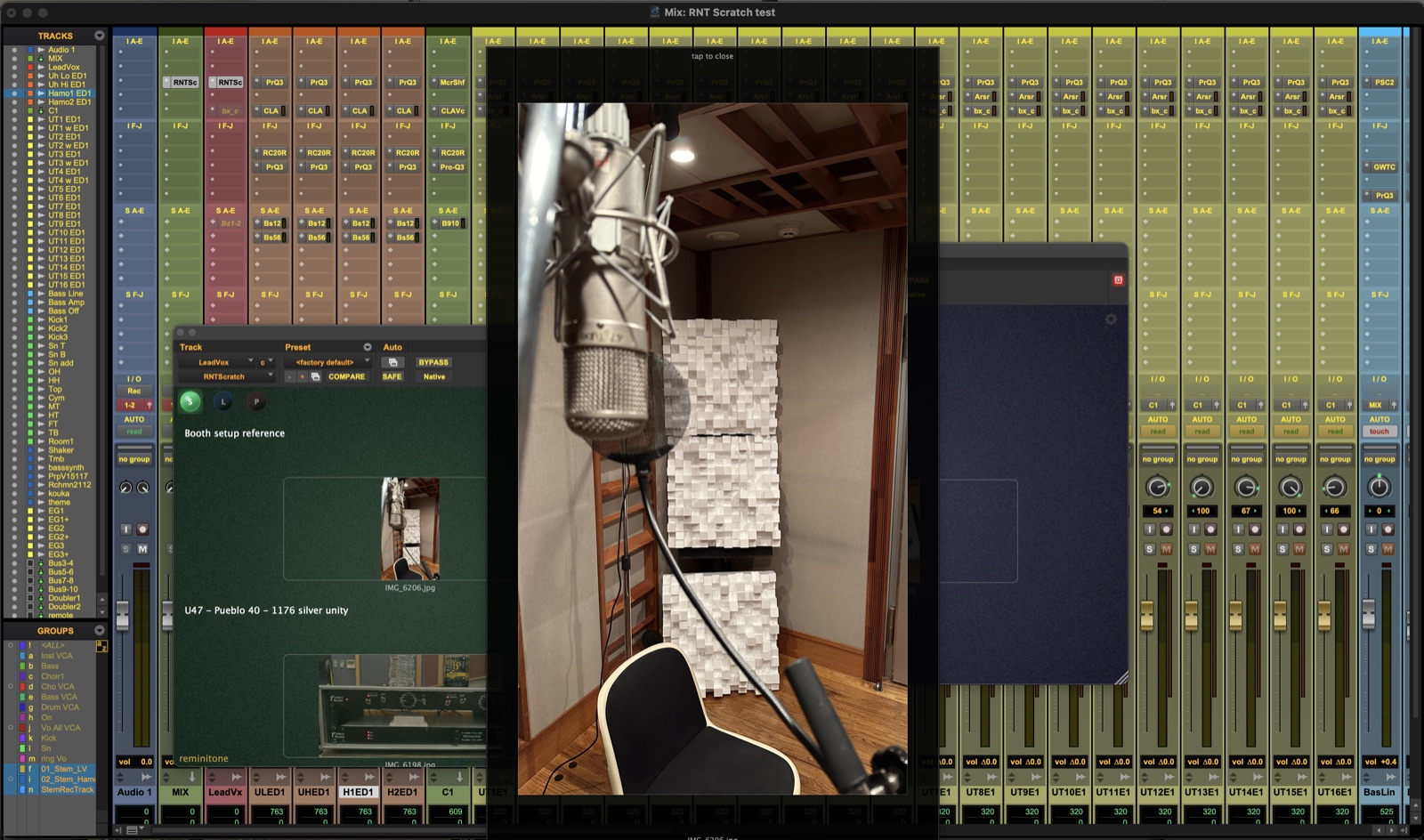
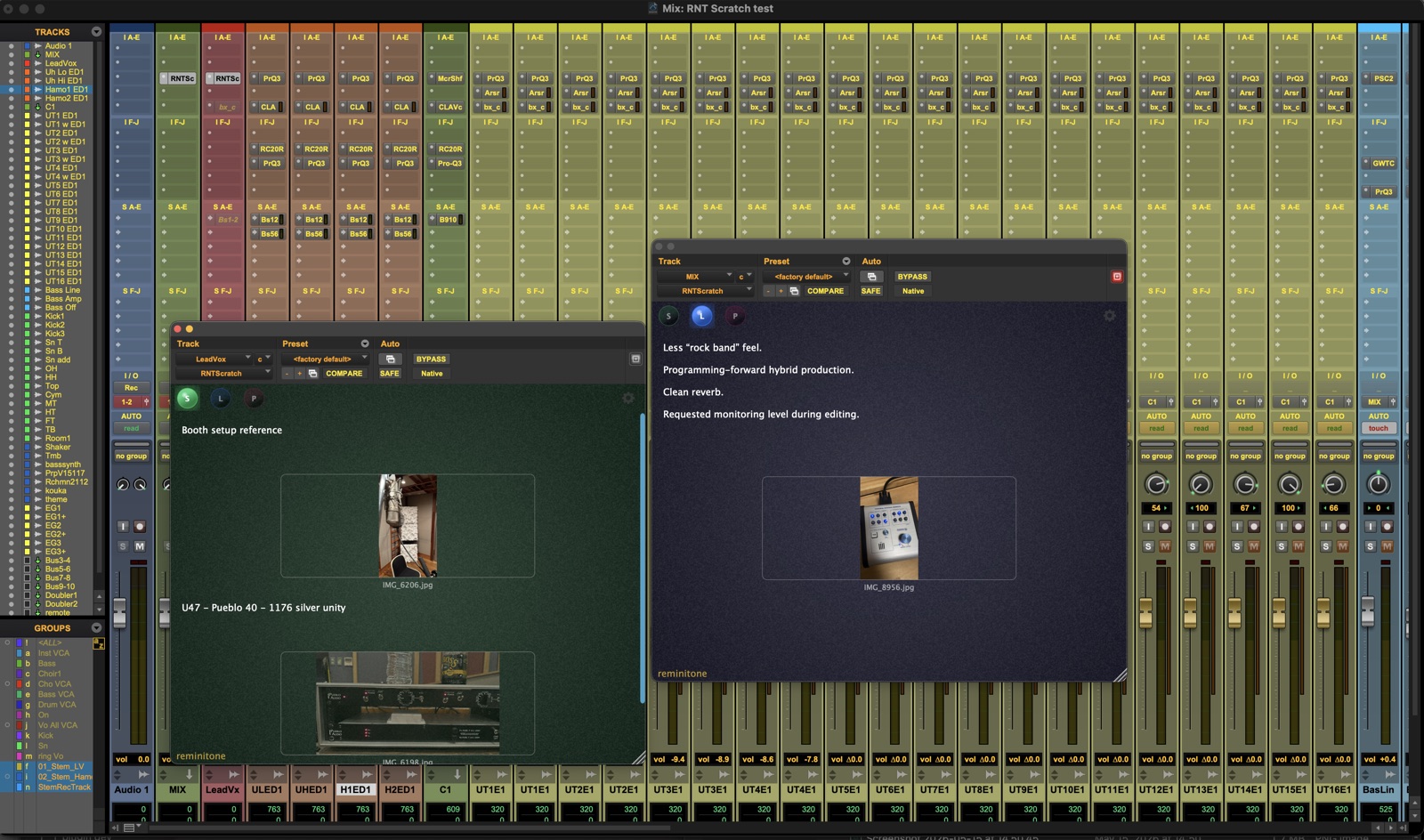
I built RNT Scratch because tracking and mixing often run across several days, and I wanted a fast place to write down what I'd just figured out. A quick note about a setting or a decision pays off months later — when I'm back in the same room, or working with the same artist again.
It's just as useful with a team: keep cautions and reminders where they belong, and the track you insert it on already tells people what they're about. I used to keep everything on my iPad — this is for the things that aren't worth pulling the iPad out for.
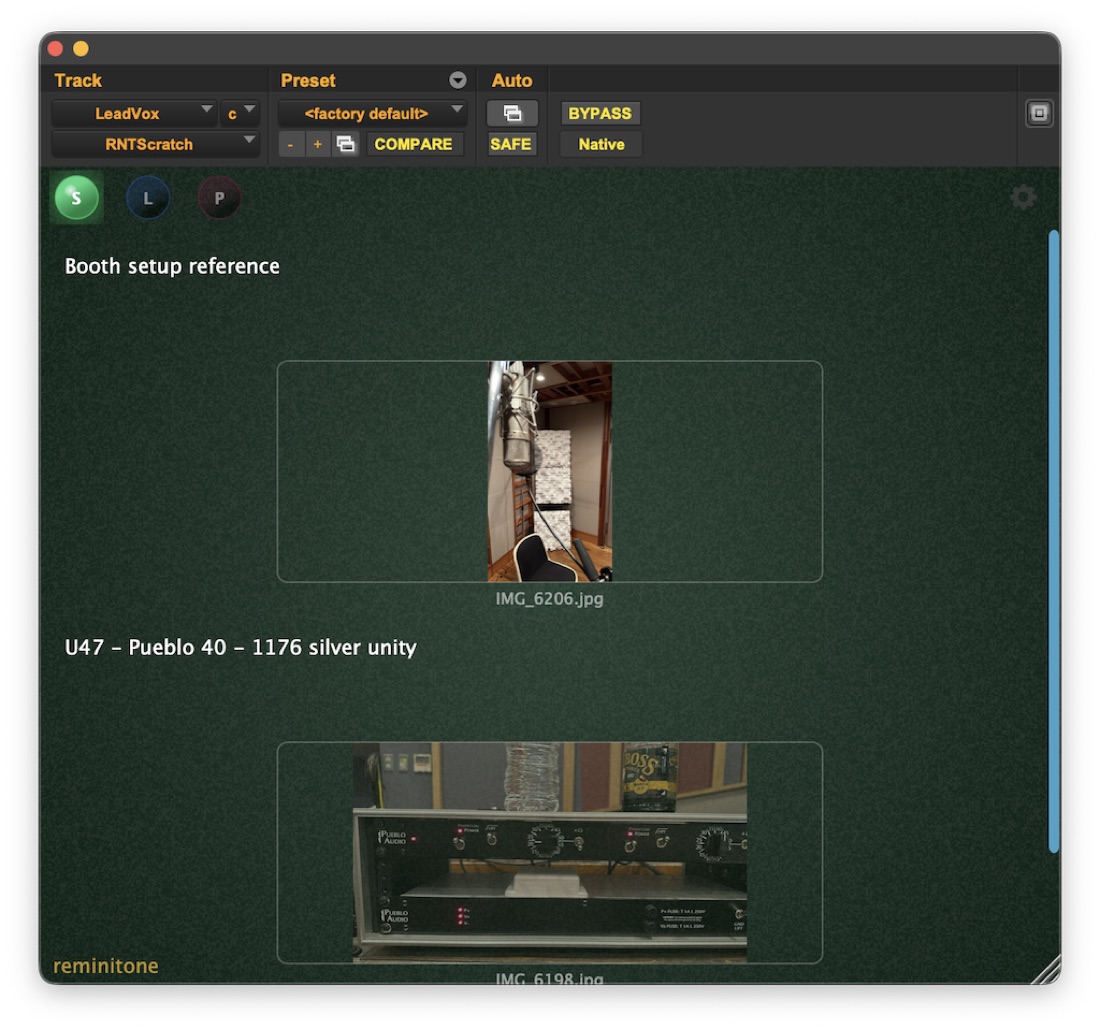
[S] Sync
I'd love everyone to have RNT Scratch — but not everyone does. Sync mode is for the times someone without it still needs to read your notes: it writes a synced .txt into the current Pro Tools session folder.
It's also a quick way to look back at what you did in a past session. Just remember the flip side — artists, directors, clients can open that file just as easily. Write accordingly.
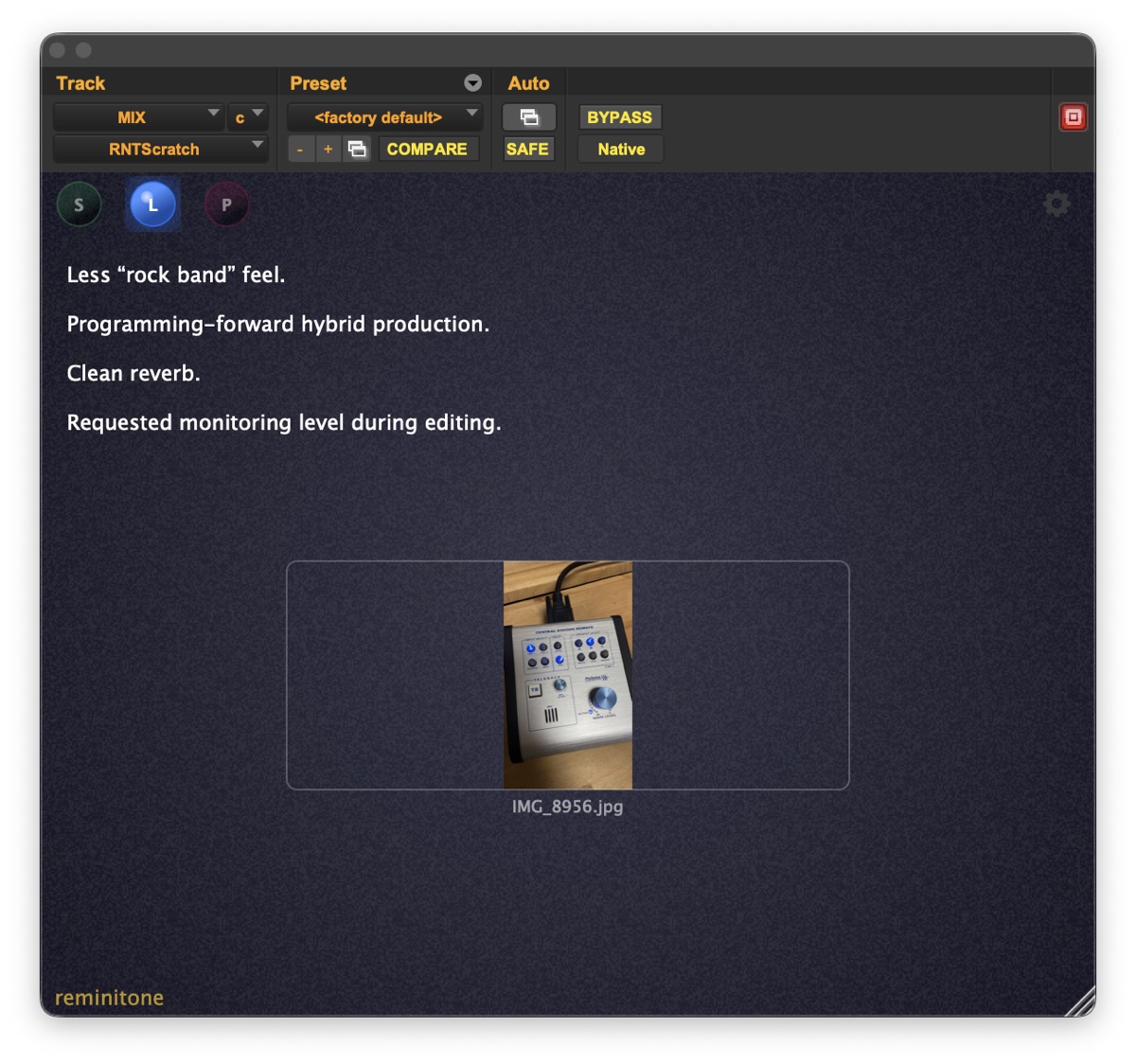
[L] Local
Local notes are read by opening the plugin instance in the session. Nothing is written to the session folder.
Use it for engineer-to-engineer hand-offs, or as your own idea pad — the rougher notes you'd rather a client didn't stumble onto.
[P] Private
Private notes are locked behind a PIN you set, shared per session — for memos meant only for your future self.
It isn't serious encryption, though: anyone who understands the format can read it with a little effort. So don't keep your credit card number in there.